When a website feels slow, a lot of business owners jump straight to the biggest possible conclusion:
"We probably need a whole new site."
Sometimes that is true.
A lot of the time, it is not.
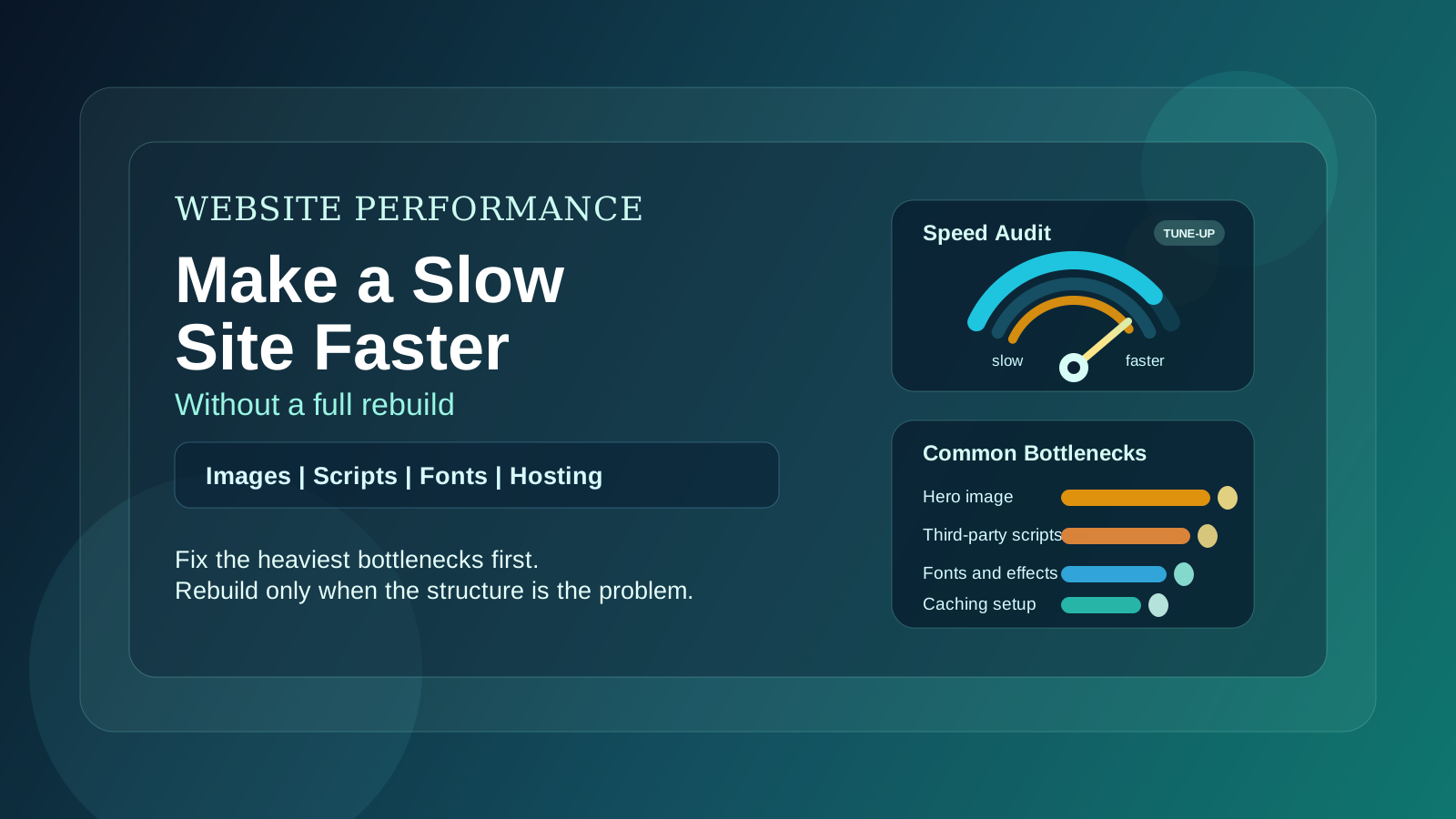
Plenty of slow websites are suffering from a handful of fixable problems: oversized images, bloated third-party scripts, weak hosting, unnecessary animations, or a page structure that has gotten heavier over time. None of those automatically require a full rebuild.
That matters, because a rebuild is the expensive option. A focused performance pass is usually much cheaper, much faster, and often enough to make the site feel dramatically better.
First: Slow Compared to What?
"Slow" can mean different things:
- the homepage takes too long to feel usable
- the site looks fine on desktop but drags on phones
- images load late and layouts jump around
- forms feel laggy or awkward
- important pages take too long to respond after someone clicks
The solution depends on the actual problem.
If the whole site is structurally messy and hard to maintain, that points one way. If the design is fine but your homepage is trying to load a giant hero image, a video, three chat tools, four tracking scripts, and a map embed all at once, that points another.
This is why performance work should start with diagnosis, not assumptions.
The Goal Is Not a Perfect Score
This is worth saying clearly.
The goal is not chasing some abstract performance score just to feel good about it.
The goal is a site that feels fast when a real customer visits it.
That means:
- pages load without obvious delay
- mobile is easy to use
- buttons and forms respond quickly
- images do not drag the page down
- the site gets out of the way so people can decide and act
If the site feels fast and converts better, that matters more than whether a tool gives you a perfect number.
The Biggest Fixes Usually Come From the Least Glamorous Problems
Here are the issues we see most often on underperforming small business sites.
1) Oversized images
This is one of the most common problems.
Someone uploads a photo straight from a camera or phone. It looks good, so nobody thinks much about it. But now the browser is trying to load a giant file where a properly sized image would have done the job just fine.
If the site has multiple large images on the homepage, the slowdown adds up fast.
Usually this can be improved by:
- resizing images to the actual display size
- compressing them properly
- converting them to more efficient formats
- loading off-screen images later instead of all at once
That is not a rebuild. That is just good asset hygiene.
2) Too many third-party scripts
Chat widgets, analytics tools, scheduling embeds, review widgets, social feeds, heatmaps, popups, tag managers. Each one might seem harmless on its own. Together they can make a site noticeably heavier.
This is especially common on websites that have been edited by multiple people over time. New tools get added. Old ones never get removed. The site keeps carrying dead weight.
A good cleanup pass asks:
- Which tools are actually necessary?
- Which ones can be removed?
- Which ones can load later instead of immediately?
- Which ones are solving the same job twice?
Very often, the site does not need nearly as much script baggage as it is carrying.
3) Heavy visual effects
Animation is not the problem by itself. Poorly used animation is.
Large motion effects, layered backgrounds, auto-playing media, and decorative sections that look impressive in a mockup can make a site feel sluggish in actual use, especially on phones.
If the website is visually busy and performance is suffering, simplifying those effects can help a lot without changing the whole design direction.
4) Weak hosting or caching setup
Sometimes the pages themselves are not the main problem. The infrastructure is.
A site can be fairly lean and still feel slow if:
- hosting is underpowered
- caching is poorly configured
- static assets are not being delivered efficiently
- the site is doing more server work than it needs to
This is one of the reasons two websites with similar designs can feel very different in the real world.
If the technical foundation is weak, performance work may involve improving the hosting setup or deployment approach rather than redesigning the front end.
5) Pages that are simply trying to do too much
A homepage can become a dumping ground.
Over time it picks up:
- every service
- every testimonial
- every integration badge
- every call to action
- huge image sections
- embedded maps
- FAQs
- contact forms
- maybe a feed or slider for good measure
When too much is competing for attention, the page becomes slower and less effective at the same time.
Sometimes the fastest improvement is not a technical trick. It is cutting unnecessary sections, simplifying the layout, and making the page more focused.
Start With the Pages That Matter Most
Not every page needs the same level of attention on day one.
If you are improving performance, start with the pages that actually drive business:
- homepage
- main service pages
- pricing page
- booking page
- contact page
Those are usually the pages where performance friction hurts the most.
There is no reason to obsess over a rarely visited archive page while the homepage still loads like a moving truck.
Fix the Mobile Experience First
A lot of websites feel "fine" when viewed on a desktop by the person who built them.
That is not the real test.
The real test is a customer on a phone with ordinary patience trying to find information quickly.
If mobile feels cramped, heavy, delayed, or awkward to tap through, performance work should focus there first.
That often means:
- lighter image handling
- fewer effects above the fold
- cleaner stacking
- simpler navigation
- faster access to key actions like call, form, quote, or booking
Performance is not just about load time. It is also about how quickly the site becomes useful.
What You Can Usually Improve Without a Rebuild
In many cases, a focused performance pass can improve a site substantially without rebuilding it from scratch.
That usually includes some mix of:
- image optimization
- script cleanup
- font reduction
- layout simplification
- lazy loading
- caching improvements
- hosting or deployment upgrades
- cleanup of unnecessary sections and embeds
If the site architecture is still workable, these changes can go a long way.
When a Rebuild Actually Is the Right Answer
There are cases where performance issues are a symptom of a deeper structural problem.
A rebuild may be justified if:
- the site is built on a system that is painful to update
- the design and messaging are outdated anyway
- the codebase is brittle and full of one-off fixes
- every small change creates new regressions
- the mobile experience is fundamentally weak across the whole site
- the site is both slow and not converting
At that point, performance is only one of several issues. Fixing speed alone will not solve the larger business problem.
That is when a rebuild starts making more sense.
What to Ask Before You Pay for a Rebuild
If someone tells you that your site needs to be rebuilt for performance reasons, ask a few direct questions:
- What specifically is slow?
- Which parts can be improved without rebuilding?
- What is the biggest bottleneck right now?
- Are the problems mostly content, scripts, hosting, or structure?
- If we do a smaller optimization pass first, what improvement should we expect?
A good developer should be able to explain this clearly.
"It is slow, so rebuild it" is not a serious diagnosis.
The Practical Way to Think About It
A rebuild is the right answer when the site has outgrown itself.
An optimization pass is the right answer when the site is still structurally usable but carrying too much weight.
That distinction matters.
You do not want to spend rebuild money to solve what is really an image, script, and hosting problem. You also do not want to spend months polishing a structure that is already fighting the business.
The smart move is figuring out which kind of problem you actually have.
Final Thought
If your website feels slow, start by finding the heavy stuff first.
That usually means the biggest assets, the biggest scripts, the noisiest sections, and the weakest technical setup. In a lot of cases, cleaning those up gets you most of the benefit without the cost and disruption of starting over.
And if the site does turn out to need a full rebuild, at least you will know why.
That is a much better place to make the decision from.