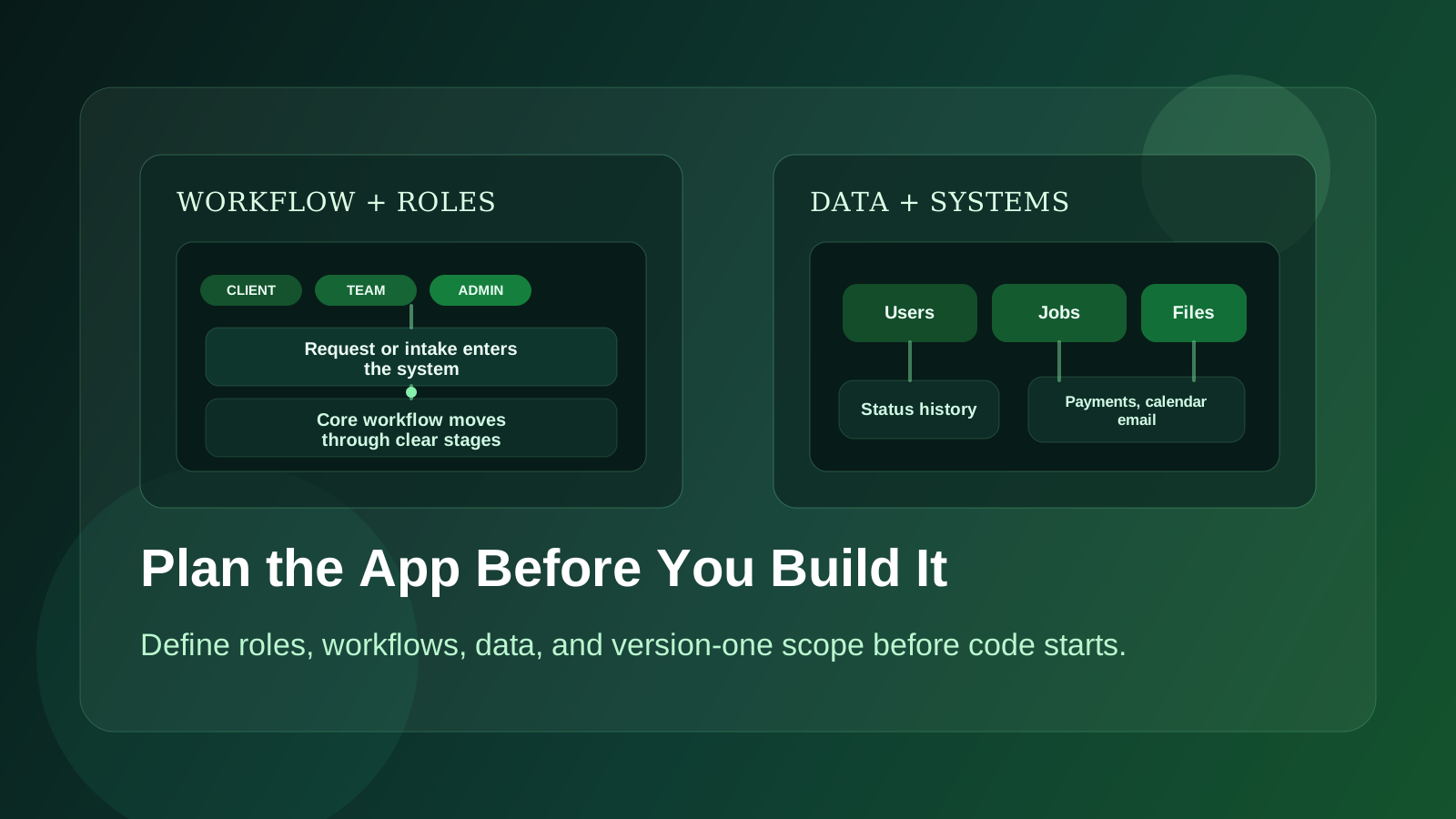
Most people think a web app project starts when development starts.
It does not.
It starts earlier, when someone says, "We should build a tool for this," and the idea is still half workflow problem, half product concept, and half wish list.
Yes, that is three halves. That is usually what it feels like.
The expensive mistakes tend to happen in that stage, before a single line of code gets written.
If the problem is fuzzy, the user roles are unclear, and version one is overloaded with features, the build gets slow, decisions get messy, and the budget starts disappearing into rework.
Good planning does not make a project rigid. It makes it buildable.
Start With the Workflow, Not the Feature List
A lot of app ideas are described as a stack of features:
- dashboard
- notifications
- reports
- user accounts
- file uploads
- integrations
That is not a plan. That is a shopping list.
The better starting point is the workflow.
Ask:
- Who is using this app?
- What are they trying to get done?
- What step is painful today?
- What happens manually right now?
- Where do delays, mistakes, or duplicated work show up?
If the current process lives in spreadsheets, email threads, text messages, and memory, map that first. That is where the real product requirements are hiding.
For example, "we need a dashboard" is vague.
"Managers need to see which jobs are overdue, who owns them, and what is blocked before the morning meeting" is useful.
One is a UI request. The other is a product requirement.
Define the User Roles Early
Many web apps get complicated because different people need different access.
Before design or development, get clear on:
- who logs in
- what each role can view
- what each role can create or edit
- what should stay private
- what needs approval
Even a "simple" app can get messy fast if admins, staff, contractors, clients, and managers all need different views.
Permissions are not a detail to work out later. They affect the database, the navigation, the screens, the testing, and the timeline.
If this stays fuzzy too long, parts of the app usually have to be reworked after development has already started.
Identify the Core Actions
Every good web app helps people do a small number of important things well.
Figure out what those things are.
Examples:
- submit a request
- assign work
- approve something
- track status
- upload documents
- update a record
- send an invoice
- review a queue
These core actions should shape the early product more than generic ideas about what software is "supposed" to include.
If a feature does not clearly support one of the main user actions, it probably does not belong in version one.
Map the Important Screens
You do not need polished designs for every page before the build starts, but you do need a rough map of the important screens.
That often includes:
- login and account states
- main dashboard or starting screen
- list views
- detail views
- forms
- approval screens
- admin views
What matters most is understanding what decision or action each screen supports.
If a screen exists only because "apps usually have dashboards," that is not enough. Each major screen should earn its place.
Get Clear on the Data Model
You do not need a full database diagram to start planning, but you do need to know what the system is tracking.
Ask yourself:
- What are the main records in the app?
- How do they relate to each other?
- What changes over time?
- What history needs to be saved?
- What needs to be searchable or filterable?
If you are building an operations app, that might include clients, jobs, staff, notes, status history, and invoices.
If you are building a portal, it might include accounts, files, approvals, messages, and milestones.
The clearer this is before development starts, the less guesswork there is once the build begins.
List Integrations Before They Become Surprises
Integrations are one of the easiest ways for scope to drift.
It is easy to say "we just need it to connect to Stripe" or "we want it to sync with Google Calendar." Sometimes that is straightforward. Sometimes it changes the entire project shape.
Make a list early of every outside system involved:
- payments
- SMS
- calendars
- file storage
- accounting tools
- CRMs
- maps
- internal databases
Then ask what the app actually needs to do with each one.
Read data? Write data? Create records? Trigger automations? Sync both ways?
"Integration" by itself is too vague to be useful.
Cut Version One Harder Than Feels Comfortable
This is the part most teams resist, and it is the part that protects the project most.
Version one should not include every good idea. It should include the smallest set of features that makes the app genuinely useful.
That usually means separating features into three buckets:
Must have now
The app cannot do its main job without these.
Important, but can wait
These improve the experience, but the product still works without them.
Nice later
These are valid ideas, but they do not belong in the first release.
Most first versions get stronger when you postpone:
- advanced reporting
- deep settings panels
- complex notifications
- rare edge-case workflows
- heavily customized preferences
- secondary admin conveniences
That is not under-building. That is sequencing.
Decide What Success Looks Like
A surprising number of software projects move forward without a clear definition of success.
Do you want to:
- reduce manual admin time
- shorten turnaround time
- reduce errors
- improve client visibility
- create a paid product people log into regularly
Pick the main outcome.
If you do not know what success means, it becomes hard to prioritize features, hard to evaluate tradeoffs, and hard to know what to improve after launch.
Write Down the Risks Before the Build Starts
This part gets skipped too often.
What could make the project more complicated than it first sounds?
Usually the risks are things like:
- unclear ownership on the client side
- messy source data
- permission complexity
- third-party integration limits
- approval bottlenecks
- migration from an old system
If those risks are identified early, the project can be scoped around them instead of getting surprised by them mid-build.
What a Good Plan Should Produce
Before development starts, a solid planning process should give you:
- a clear description of the problem being solved
- the core user roles
- the main workflows
- the version one feature set
- the important screens
- key integrations and technical risks
- a phased roadmap for what comes later
That does not mean every tiny detail is frozen forever. It means the project has structure.
Without that structure, development turns into constant interpretation. That is slow, expensive, and frustrating for everyone involved.
Good Planning Usually Makes the Project Smaller
This is the part people often miss.
Good planning does not usually make a project bigger. It usually makes it smaller.
You discover which features are unnecessary. You find the shortcuts that still solve the real problem. You identify where a lightweight admin tool is enough instead of a whole extra module.
That is why planning is not overhead. It is cost control.
Final Thought
If you are about to build a web app, the best place to start is not with a giant feature list or a mood board.
Start with the workflow, the roles, the data, the main actions, and the smallest useful version of the product.
That gives the project a real chance to launch on time, stay on budget, and actually get used after it goes live.