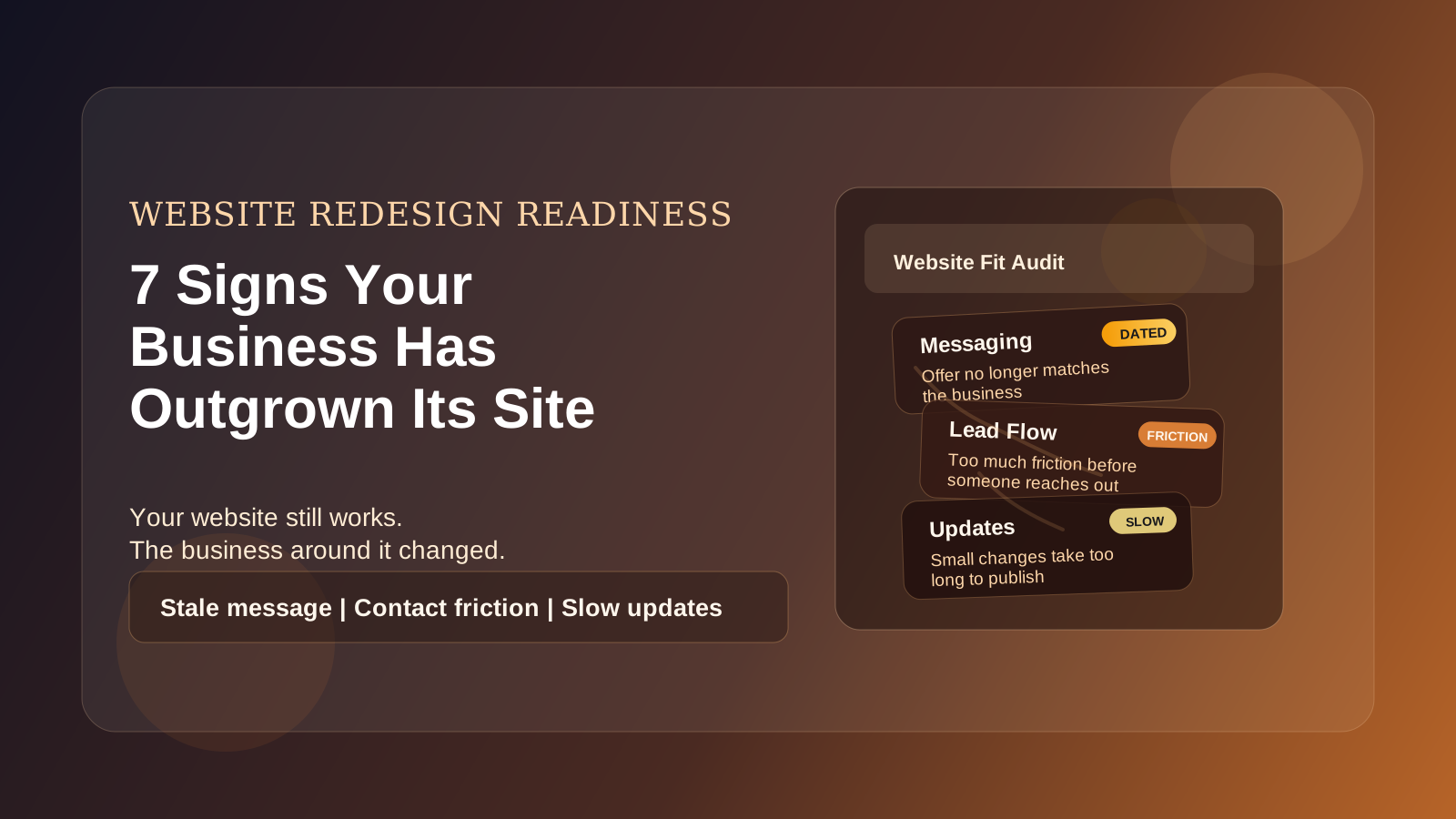
Sometimes a website still technically works, but it has stopped helping the business.
The pages load. The contact form sends. Nothing is obviously "down." But leads feel soft, updates take forever, and the site no longer reflects where the business is now.
That usually means the problem is not whether you have a website. The problem is that you have outgrown the one you built earlier.
Here are seven signs that is happening.
1) Your Business Has Changed, But the Site Still Talks Like the Old Version of You
This is one of the biggest ones.
Maybe you started as a solo freelancer and now you have a team. Maybe you moved upmarket. Maybe you narrowed your services, raised your prices, or started working with a different kind of client.
If your website still sounds like the earlier version of your business, it creates friction immediately. The wrong people contact you, the right people self-select out, and your positioning gets muddy.
Your website should match the business you are trying to grow now, not the one you were running two years ago.
2) You Are Embarrassed to Send People to It
This matters more than people like to admit.
If you hesitate before sharing your site in a sales conversation, on social media, or in person, there is usually a reason. Maybe it looks dated. Maybe the writing is weak. Maybe the photos are old. Maybe it just feels thin compared to the level of work you do today.
That hesitation is useful information.
When business owners stop confidently sending traffic to their site, the website stops functioning like an asset and starts functioning like a liability.
3) It Is Hard to Update Even Basic Things
If changing a phone number, updating a service, adding a project, or publishing a blog post feels like a mini technical project, the site is probably no longer serving the business well.
This is how good websites slowly become inaccurate websites.
People put off updates because the process is annoying. Then the site starts showing old offers, outdated team info, old service areas, stale screenshots, or pricing that no longer reflects reality.
Sometimes the answer is a full rebuild. Sometimes it is just restructuring the content system so routine updates are easier. Either way, friction here is a real business problem, not just an inconvenience.
4) It Looks Fine, But It Does Not Convert
A lot of underperforming websites are not ugly. They are just unclear.
Visitors land on the homepage and still cannot quickly tell:
- What you do
- Who you do it for
- Why they should trust you
- What they should do next
If your traffic is decent but the site is not producing enough calls, form fills, or booked meetings, that is a strong sign the current version is not doing its job.
This is especially common on websites built around aesthetics first and decision-making second.
5) Mobile Feels Like an Afterthought
Most small business traffic now happens on phones. If your website still feels like a desktop site squeezed into a smaller screen, you are losing opportunities every day.
Warning signs include:
- text that feels cramped or too small
- buttons that are hard to tap
- layouts that look stacked but not intentional
- heavy images and animations that make the site feel slow
- contact flows that are annoying on mobile
You do not need an elaborate mobile experience. You need a site that is easy to use when someone is standing in a parking lot, sitting in a truck, or quickly comparing options between errands.
6) It Cannot Support the Way You Actually Get Leads Now
Maybe your current site was built when all you needed was a phone number and a contact form.
Now you may need:
- booking requests
- quote forms
- project galleries
- case studies
- lead magnets
- CRM integration
- better tracking
- service-area landing pages
If your business has developed a more mature sales process, your website needs to support that process. Otherwise you are forcing your team to compensate manually for what the site should already be handling.
That is usually the moment when a "simple website" starts becoming too simple.
7) The Site Is Slow, Fragile, or Full of Workarounds
When a site gets patched together over time, it starts showing wear in ways customers can feel even if they cannot name the cause.
Pages load slowly. Layouts break after updates. Plugins conflict. Forms become unreliable. Small changes create unexpected issues somewhere else.
At that point, the question stops being "can we keep this going a little longer?" and becomes "how much is this costing us every month in lost leads, avoidable maintenance, and low trust?"
Not every fragile site needs a full rebuild, but many do. Especially when the underlying setup is what keeps causing the same problems to come back.
A Redesign Does Not Always Mean Starting From Scratch
This is important.
Outgrowing your website does not automatically mean you need a giant, expensive rebuild.
Sometimes the fix is:
- rewriting the homepage and service pages
- simplifying navigation
- improving mobile layouts
- replacing outdated imagery
- cleaning up the contact flow
- moving to a better content setup
Other times, the structure underneath the site is the real issue and rebuilding is the smarter move long term.
The point is not to redesign for vanity. The point is to remove the constraints that are holding the business back.
A Simple Test
Ask yourself these three questions:
- Does this site represent the level of business we are now?
- Does it make the next step easy for the right customer?
- Can we keep it current without dreading the process?
If the answer to two or more is no, you have probably outgrown it.
That does not mean panic. It just means the website has become a bottleneck, and bottlenecks are worth fixing.
Final Thought
The best time to update a website is usually before it becomes an emergency.
If your site no longer matches your brand, your process, or your goals, waiting another year rarely makes the decision easier or cheaper. It usually just means more patching, more friction, and more missed opportunities in the meantime.
If you are not sure whether you need a redesign, a cleanup, or a full rebuild, that is exactly the kind of thing worth sorting out before you spend money in the wrong direction.