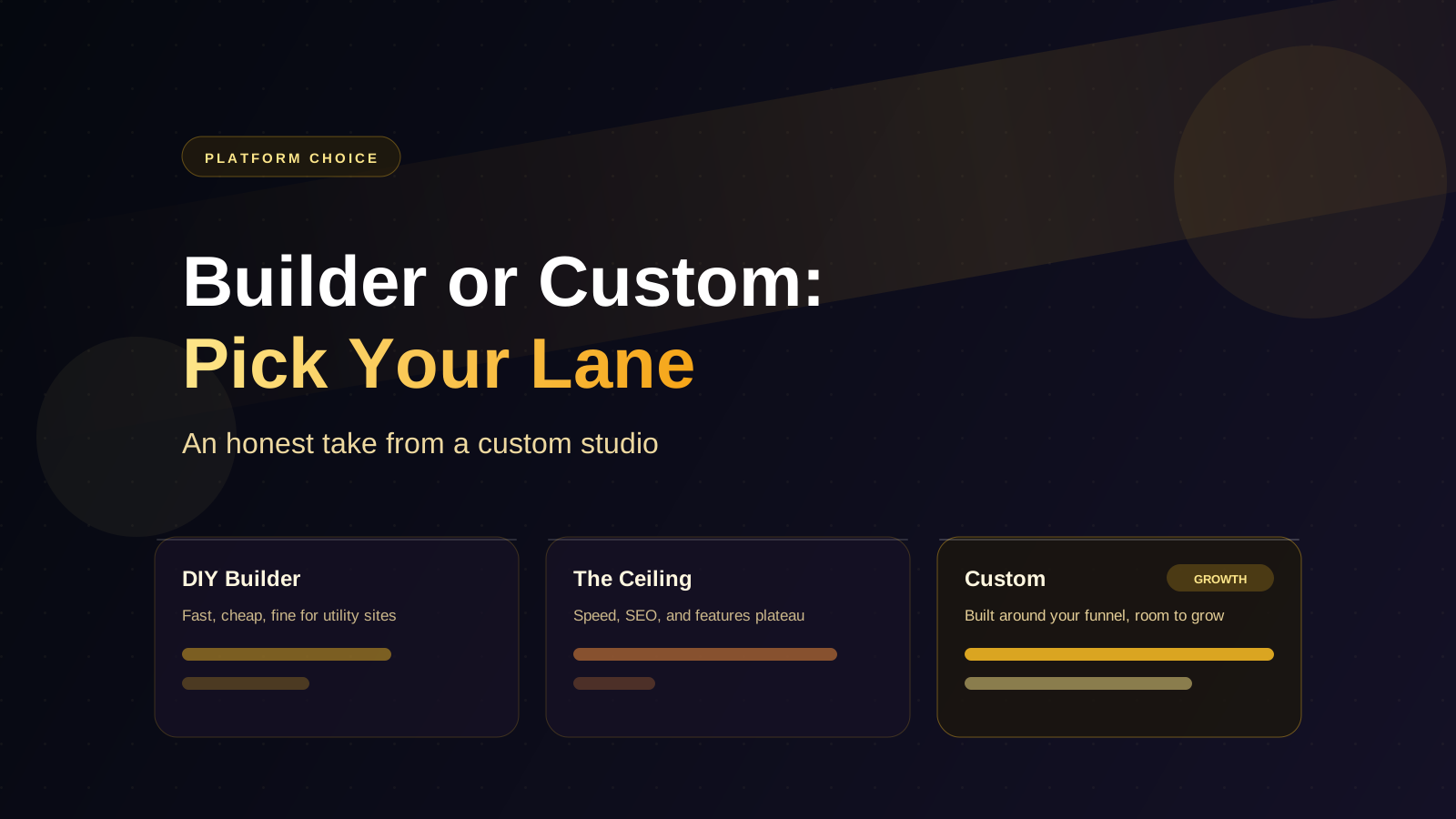
Let's start with something a custom web studio is maybe not supposed to say: website builders are good now.
Squarespace templates look professional. Wix has grown up. Shopify runs real stores at serious scale. If someone tells you DIY builders are all garbage and you must go custom, they are selling, not advising.
But "good" is not the same as "right for you." We have rebuilt enough outgrown builder sites to know exactly where the ceiling is. So here is the honest version of the decision.
When a Builder Is Genuinely the Right Call
A DIY builder is probably your answer if most of these are true:
- You are validating a new business and might pivot
- Your budget is under a few thousand dollars
- You need something live this week
- Your site is essentially a digital business card: who you are, what you do, how to reach you
- You or someone on your team will actually maintain it
- Your customers find you through referrals and social, not search
There is no shame in this lane. A clean Squarespace site that exists beats a custom site that is "coming soon" for eight months. We have told prospective clients to start on a builder and come back later. Some did, and their builder years taught them exactly what they needed the custom site to do.
Where the Ceiling Is
The problems show up predictably, usually in year two or three, and usually in this order.
Search visibility plateaus
Builders handle basic SEO fine. But when you need dedicated pages for each service and city, fast load times on image-heavy pages, and structured data that helps AI search understand your business, you start fighting the platform instead of working with it.
The site gets slow and you can't fix it
You do not control the code a builder outputs. When the platform loads a megabyte of scripts you do not use, that is the deal. Speed matters for rankings and conversions, and on a builder your ceiling is the platform's floor.
You need functionality that isn't a widget
Customer portals, custom booking flows, quoting calculators, integrations with your CRM or field software — this is where builders end. Third-party embed widgets can bridge small gaps, but each one is another monthly fee, another visual mismatch, and another thing that breaks.
The template starts to look like a template
Your site looks fine, and also looks like four of your competitors, because you all picked from the same top-ten template list.
What Custom Actually Buys
A custom site is not "prettier Squarespace." The real differences:
- Speed and structure you control. Built with only the code the site needs, structured for the searches your customers make.
- Room to grow. Booking, portals, content systems, integrations — added when needed instead of replatforming.
- Design around your funnel. Pages built for how your specific customers decide, not how a template assumes.
- Ownership. Your content and your code are portable. No platform rent, no platform rules.
The honest downside: it costs more up front, and it takes longer. We broke down real numbers in our website cost guide.
The Decision in One Question
Strip everything away and the question is this:
Is your website a utility or a growth engine?
If it just needs to exist — confirm you're real, show your work, list your phone number — a builder is a fine utility, and paying custom prices for a utility is overspending.
If search visibility, lead flow, or workflow automation is how the business grows, the website is an engine. Underpowering an engine costs more than it saves, just more quietly — in leads that went to the competitor who ranks above you.
If You're on a Builder Now
Two practical notes:
- Do not replatform out of vague dissatisfaction. Move when you hit a real wall: rankings you can't reach, features you can't add, speed you can't fix. Our post on signs you've outgrown your website is the checklist.
- Keep ownership of what's portable. Your domain should be registered to you, not your designer or platform. Keep your photos, copy, and reviews somewhere you control. That makes any future move cheap instead of painful.
Final Thought
The builders-versus-custom debate is usually argued by people selling one of the two. The truth is boring: builders are the right tool for utility sites and early-stage businesses, and custom is the right tool for businesses whose growth runs through their website.
Know which one you are. Pick the lane on purpose. And whichever you choose, own your domain.